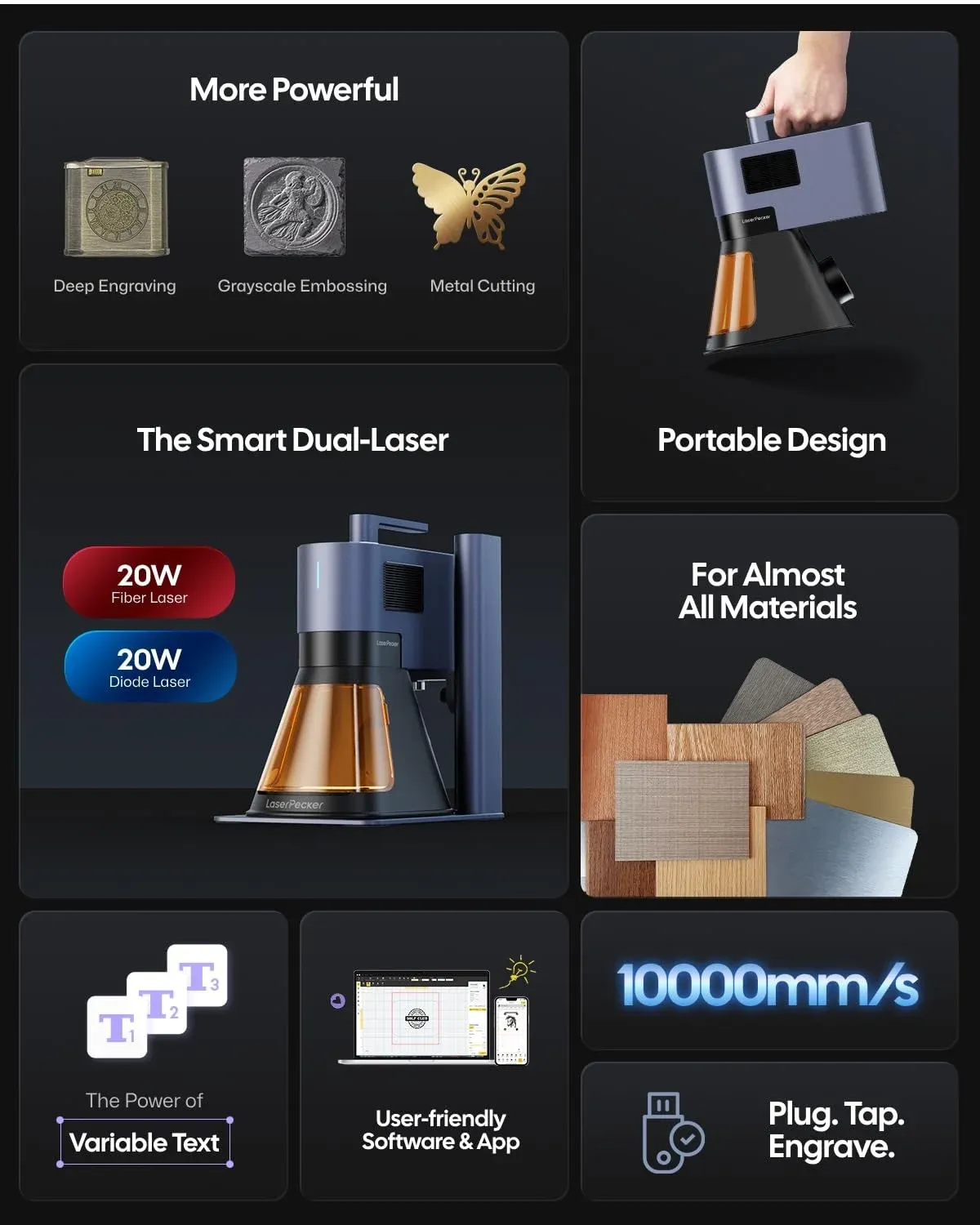
LaserPecker 2 Review: Is the Price Worth It? A Guide to the App, Design Space & Pro Models
A hands-on UK buyer's guide comparing the LaserPecker 2 and Pro variants, evaluating the software ecosystem, and helping you decide whether this portable engraver justifies its price tag in 2026.
LaserPecker 2 Overview: What You're Actually Getting
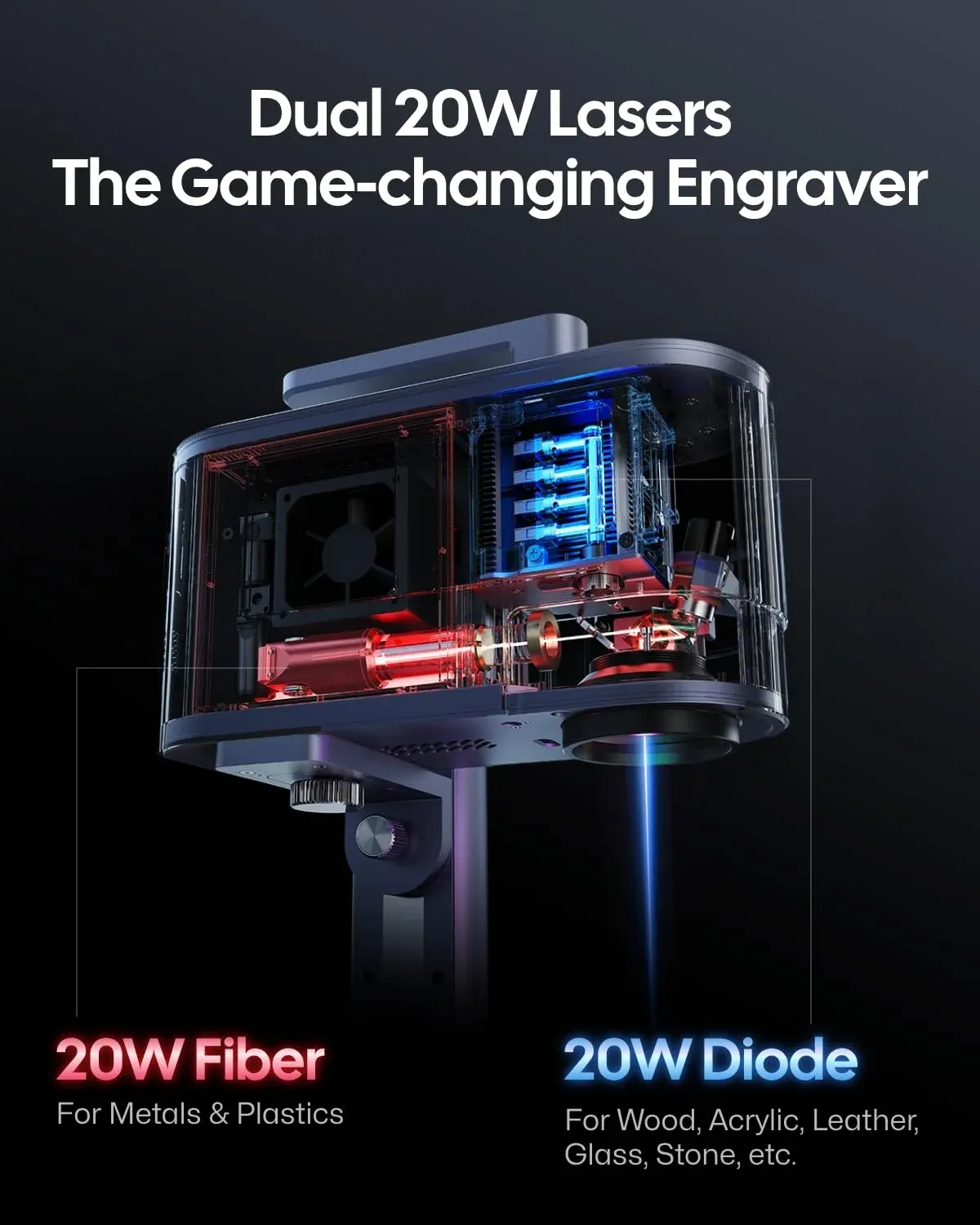
The LaserPecker 2 is a compact, portable laser engraver built for makers who want precision without dedicating half a workshop to a full-size CNC frame. I've been using one in my small workspace off the Shankill Road for over a year now, and it's become my go-to for personalising gifts, marking tools, and prototyping designs on leather and wood.
So what sets it apart? Speed and portability, mainly.
At just 2.2 kg for the main unit, you can shift it between workbenches or pack it away when space is tight. The galvanometer-driven laser head delivers engraving speeds up to 36,000 mm/min — that's roughly 600 mm/s — which puts it well ahead of most diode engravers in this class. Resolution sits at 1K (0.05mm precision), meaning fine text down to 2mm font height is perfectly legible.
Key specs at a glance: 5W optical output | 450nm blue laser | 100×100mm working area (standard) | 36,000 mm/min max speed | 2.2 kg unit weight | USB-C and Bluetooth connectivity
Honestly, I've tried cheaper alternatives and they just don't cut it for detail work. The galvo system in the LP2 means there's no physical gantry movement — the mirrors redirect the beam — so you get that speed without sacrificing accuracy. That said, the 100×100mm engraving area feels limiting once you start on larger projects. Worth knowing before you buy.
Standard vs Pro: Which LaserPecker 2 Model Suits Your Workshop?
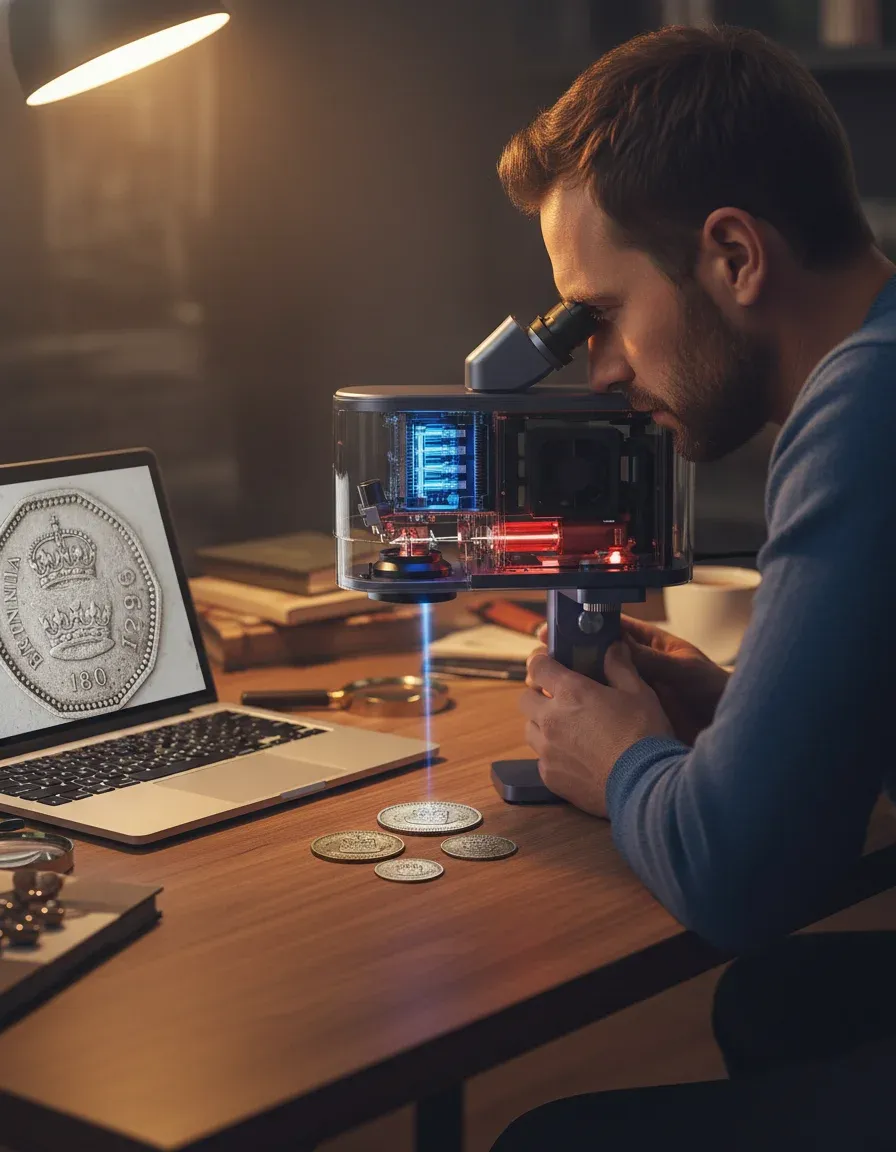
The Pro model isn't just a marketing upsell. It's a genuine step up in capability, particularly for anyone working with metals or needing the roller attachment for cylindrical objects.
Hardware Differences
The Pro variant bumps optical power to 5W (same diode, better thermal management) and includes an upgraded electric stand with auto-focus. You also get the third-axis roller accessory in the box, which is brilliant for engraving pint glasses, water bottles, and tool handles. The standard model requires you to purchase these separately — adding roughly £180-£250 to your total spend.
Spec Comparison Table
| Feature | LaserPecker 2 (Standard) | LaserPecker 2 Pro | LaserPecker 4 (Reference) |
|---|---|---|---|
| Optical Power | 5W | 5W (enhanced cooling) | 8W dual-laser |
| Engraving Speed | 36,000 mm/min | 36,000 mm/min | 40,000 mm/min |
| Working Area | 100×100mm | 100×100mm | 160×120mm |
| Auto-Focus | Manual | Electric stand included | Intelligent auto-focus |
| Roller Accessory | Sold separately (£180+) | Included | Included |
| Materials | Wood, leather, paper, some plastics | Wood, leather, anodised aluminium, stainless steel (with marking compound) | Stainless steel, titanium, wood, leather, acrylic |
| Approx. UK Price (2026) | £400–£500 | £600–£750 | £2,999 |
| Weight | 2.2 kg | 2.4 kg (with stand) | 3.8 kg |
If you're eyeing the LaserPecker 4 for serious metal work, that's a different league entirely — priced at £2,999 with dual-laser capability for stainless steel and titanium. But for most hobbyists and small-batch makers, the LP2 Pro hits a sweet spot., a favourite among Britain’s tradespeople
My mate swears by the Pro for his Etsy shop. He's turning out 40-50 personalised keyrings a week on it. I get why — the roller and auto-focus save minutes per piece that add up fast.
The LaserPecker App & Design Space: Software That Won't Drive You Mad
The software ecosystem is where many portable engravers fall flat. LaserPecker's offering is decent — not perfect, but genuinely usable.
LaserPecker App (Mobile)
Available on iOS and Android, the mobile app handles basic engraving tasks well. You can import images, convert photos to engravable formats, adjust power/speed settings, and preview placement via the built-in camera. Connection is via Bluetooth, and in my experience pairing takes about 3-4 seconds once you've done initial setup.
Where it struggles: complex vector work. If you're designing detailed patterns or need precise path control, you'll hit the app's ceiling quickly. It's spot on for text, simple graphics, and photo engraving though.
LaserPecker Design Space (Desktop)
This is where serious design work happens. The desktop software (Windows and Mac) supports SVG import, layer management, and granular parameter control per element. You can set different power levels for outline versus fill, which is essential for multi-material projects. (Took me an embarrassingly long time to find that setting — it's buried under the layer options panel.)
Design Space capabilities: SVG/PNG/JPG/BMP import | Layer-based power control | Preview camera integration | Batch processing mode | G-code export (Pro users) | Material presets database with 200+ entries
One gripe — well, actually, two gripes. The software updates can be inconsistent, and there's no Linux support as of spring 2026. If you're running Ubuntu in your workshop (as some of us do for CNC machines), you're stuck using a separate laptop or a VM workaround.
Connectivity & Workflow
USB-C gives you the most reliable connection for long jobs. Bluetooth works fine for quick engravings under 10 minutes, but I've had occasional dropouts on jobs exceeding 20 minutes. Nothing catastrophic — the machine pauses and resumes — but it's annoying when you're mid-batch., meeting British quality expectations
Materials & Real-World Performance
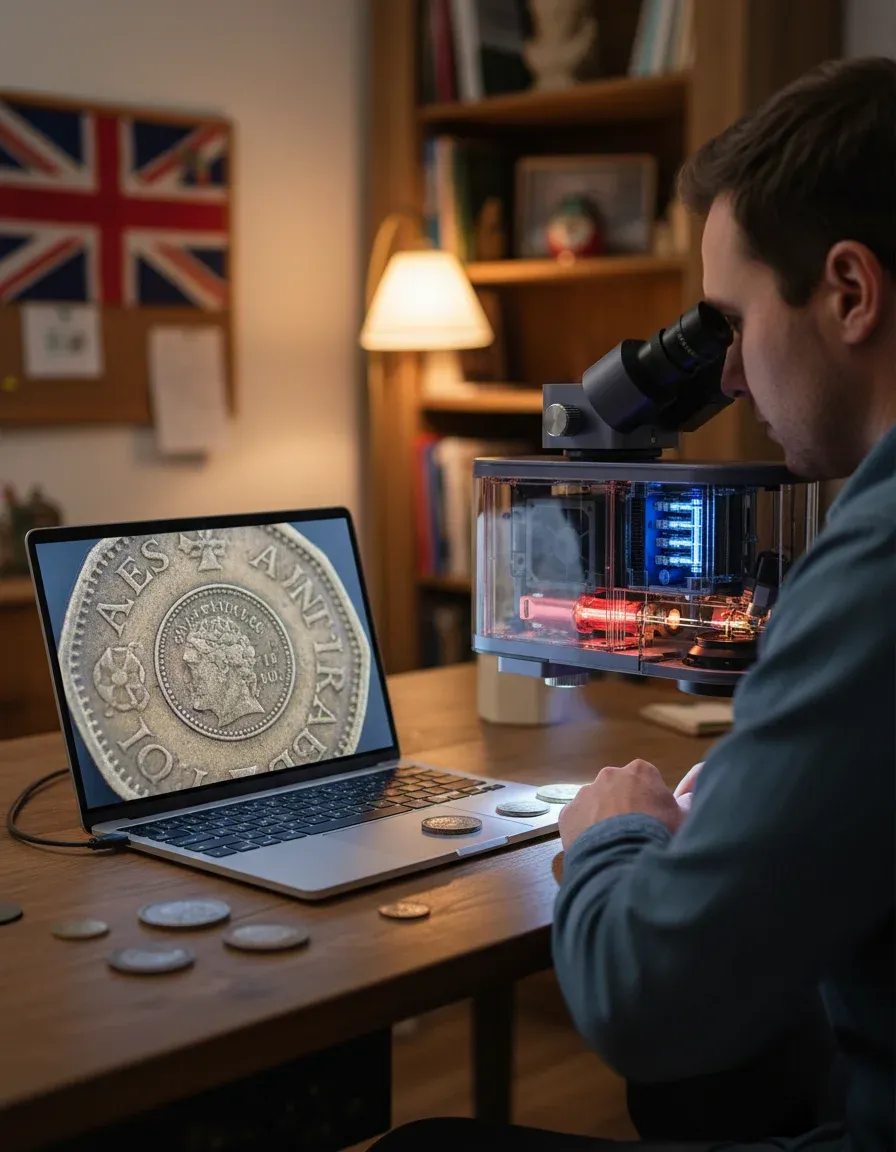
The LP2 handles organic materials brilliantly. Hardwoods like oak and walnut engrave with clean contrast at 80% power and 8,000 mm/min. Leather — vegetable-tanned specifically — takes detail beautifully at 40-50% power.
What Works Well
Wood (all types), leather, card, paper, felt, cork, some food items (yes, I've engraved biscuits for a laugh), anodised aluminium with marking spray, and dark-coloured plastics. Acrylic needs careful parameter tuning but produces decent results on cast varieties.
What Doesn't
Clear materials, PVC (toxic fumes — don't even try), bare metals without marking compound, and white/light plastics. The 450nm wavelength simply reflects off shiny surfaces. For bare metal engraving, you'd need to step up to a fibre laser like the LP5 or LP4 range.
I tested the LP2 Pro on a stainless steel hip flask using Cermark marking spray. Results were permanent and dishwasher-safe after 30+ cycles. Without the spray? Nothing. Not even a mark. So factor in consumable costs — Cermark runs about £45-£60 per can, covering roughly 50-80 small projects.
Speed vs Quality Trade-offs
At maximum speed (36,000 mm/min), you sacrifice depth and contrast. For display pieces, I run at 12,000-15,000 mm/min with 2-3 passes. Production items where speed matters? 25,000 mm/min single pass is the sweet spot I've landed on after months of testing.
UK Buying Guide: Price, Availability & International Market
Buying a LaserPecker 2 in the UK is straightforward in 2026, but where you buy matters for warranty and support.
UK Purchase Options
Official UK stock is available through authorised resellers including lsrpckrap.co.uk, which carries both standard and Pro bundles with UK plug adapters and local warranty support. Amazon UK stocks them too, though third-party sellers sometimes ship from overseas warehouses — meaning potential customs delays and warranty complications.
UK pricing (June 2026): Standard bundle: £430–£520 | Pro bundle: £650–£750 | Roller accessory (standalone): £180 | Cutting plate: £45 | Protective enclosure: £160, popular across England
LaserPecker Australia & Global Availability
For readers researching international pricing — LaserPecker Australia typically runs 15-25% higher than UK prices due to shipping and import duties. The AUD $900-$1,100 range for the Pro model is standard. European buyers (Germany, France, Netherlands) generally pay comparable prices to the UK post-Brexit, with VAT applied at point of sale through official channels.
Look, I know the price seems steep compared to a £150 K40-style diode engraver from AliExpress. But the build quality, software support, and — crucially — the safety features justify the premium. Those cheap units often lack proper enclosures, have no eye-safety interlocks, and ship with software that hasn't been updated since 2022.
Safety & UK Compliance
Laser safety isn't optional. The LP2 is a Class 4 laser product, which means direct or reflected beam exposure can cause permanent eye damage instantly.
LaserPecker includes protective goggles (OD5+ at 450nm) with every unit. The Health & Safety Executive classifies laser engravers under workplace equipment regulations — if you're using one commercially, you need a risk assessment and appropriate controls in place.
The optional enclosure (£160) is worth every penny for workshop use. It contains fumes, blocks stray reflections, and means you don't need to clear the room every time you run a job. I'd call it essential rather than optional, honestly.
For product compliance, check that your unit carries proper CE/UKCA marking. Legitimate UK-sold units should comply with BSI standards for laser safety (BS EN 60825-1). Grey imports sometimes lack this certification, which could void your insurance if something goes wrong.
Fume extraction is another consideration. Even engraving wood produces particulates you don't want to breathe. A basic inline fan with activated carbon filter (£60-£100) paired with the enclosure keeps your workspace safe. I run mine vented out through a window fitting — sorted the smell issue completely.
Frequently Asked Questions
Can the LaserPecker 2 cut materials or only engrave?
The LP2 can cut thin materials up to approximately 3mm thickness — paper, card, felt, thin plywood (under 2mm), and leather up to 1.5mm. For thicker cutting, you'd need a higher-powered unit like the LX2 (10W+). Multiple passes at slow speed (2,000 mm/min) improve cut depth on borderline materials., with availability in Scotland
Is the LaserPecker Design Space software free to use?
Yes, both the mobile app and Design Space desktop software are completely free. No subscription fees or premium tiers. Updates are pushed regularly — the last major update (v4.8) landed in March 2026 adding batch queue management. Available for Windows 10/11 and macOS 12+, but no Linux support currently.
How loud is the LaserPecker 2 during operation?
The cooling fan produces approximately 45-50 dB during operation — comparable to a quiet conversation or a household fridge. The laser itself is silent. With the enclosure fitted, noise drops to around 38-40 dB. Perfectly usable in a home workshop without disturbing others in adjacent rooms.
What's the lifespan of the laser diode in the LP2?
LaserPecker rates the diode at approximately 25,000 hours of active engraving time. At typical hobbyist usage of 5-10 hours weekly, that's roughly 48-96 years of service life. Realistically, other components will need attention first. The galvo mirrors may need recalibration after 3,000-5,000 hours of heavy use.
Can I use the LaserPecker 2 with third-party design software like LightBurn?
Not directly. The LP2 uses proprietary communication protocols and doesn't support standard G-code input from LightBurn or LaserGRBL. You're limited to the official LaserPecker app and Design Space. That said, you can design in any software (Illustrator, Inkscape, CorelDRAW) and export SVG files for import into Design Space.
Is the LaserPecker 2 suitable for starting a small engraving business?
For small-batch personalisation (keyrings, coasters, phone cases, gifts), absolutely. The speed allows 30-60 items per hour depending on complexity. For higher volume or larger items, the 100×100mm area becomes a bottleneck. Many UK sellers on Etsy and at craft markets use the LP2 Pro as their primary production tool for items under 90mm.
Key Takeaways
- The LaserPecker 2 delivers genuine precision — 0.05mm resolution at speeds up to 36,000 mm/min makes it one of the fastest portable engravers available in the UK market as of 2026.
- Pro model is worth the premium — the included roller, electric stand, and enhanced cooling save £200+ over buying accessories separately, and the auto-focus alone saves significant setup time per job.
- Software is capable but locked-in — no third-party software support means you're committed to LaserPecker's ecosystem. Design Space handles most tasks well, but power users may find limitations frustrating.
- Metal engraving requires marking compound — the 450nm diode won't mark bare metals. Budget £45-£60 for Cermark spray if metal projects are planned. For direct metal engraving, consider the LaserPecker 4 at £2,999.
- Safety investment is non-negotiable — enclosure (£160) and fume extraction (£60-£100) should be factored into your total budget. HSE regulations apply if you're using commercially.
- UK buyers should purchase from authorised resellers — ensures UKCA compliance, valid warranty, and proper UK plug adapters without customs complications.
- The 100×100mm working area is the main limitation — perfectly adequate for small personalised items but restrictive for signage, large artwork, or A4+ projects.
Ready to try LSRPCKR AP?
Shop Now — £5037.90